Features
Everything Mealcents does, in one place.
A week of budget dinners priced from your own receipts, with the prep, pantry and shopping help to actually cook them.
Real prices from receipts
Snap a receipt. Your plan reprices itself.
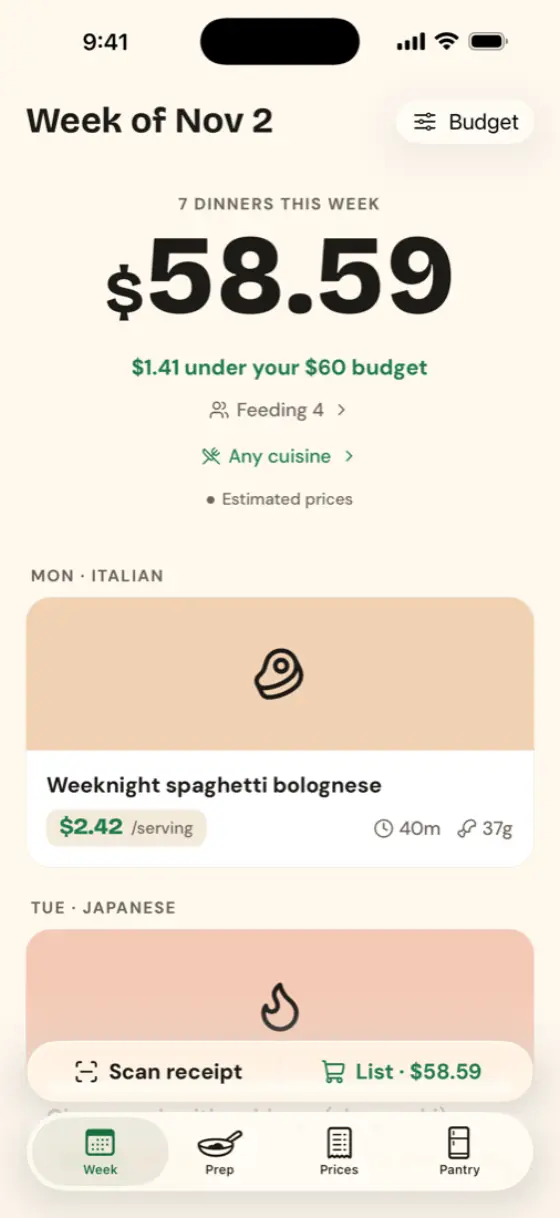
Until you scan, prices are typical US supermarket prices, marked "est.". After a scan, every matching ingredient uses what you paid.
- Text is read on your iPhone with Apple's text recognition. The photo is never uploaded.
- Receipt shorthand like "KS BNLS CHKN THIGHS" is matched to the right ingredient.
- Each ingredient shows the math: "you paid $18.29 at Costco".
- Fix any line before saving; delete a price or a whole receipt any time.
Budget & household
A week that fits your number.
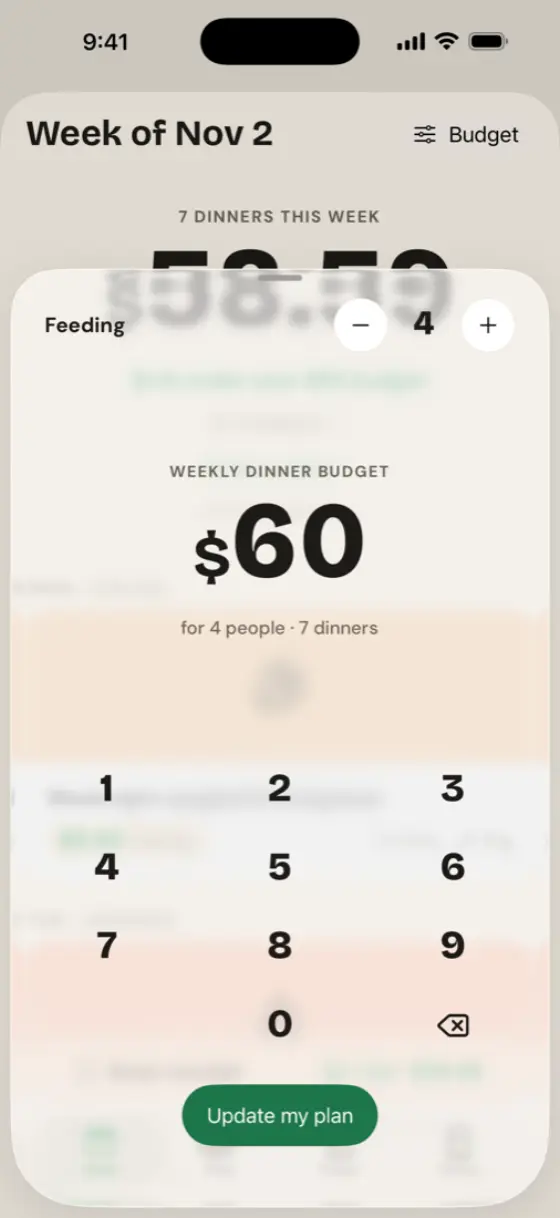
Tell it your weekly dinner budget and how many you're feeding. The planner picks seven dinners that fit, using your receipt prices.
- Change the budget or the number of people (1–8) any time: tap Budget or "Feeding" on the Week tab.
- Over budget? Swap any dinner for one that fits.
- Home Screen widget shows what's left of the week's budget.
80 dinners, 10 cuisines
Mexican, Italian, Thai, Indian, and more.
Pick the cuisines you like and the week is built from them. Every recipe is written for a regular US supermarket.
- Mexican, Italian, Thai, Indian, Chinese, Japanese, Korean, Mediterranean, Caribbean and American.
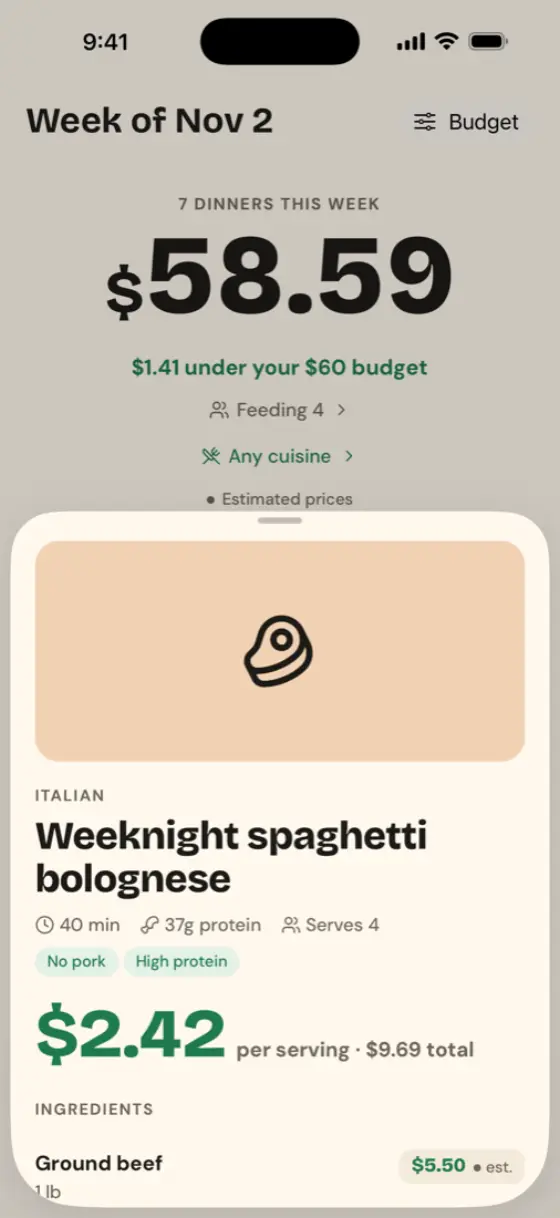
- Weeknight cook times, with steps, ingredients and the cost per serving.
- If your filters leave too few matches, the plan borrows from other cuisines and tells you so.
Diets & allergies
Computed from every ingredient.
Meals aren't hand-tagged. Each ingredient carries its allergens and animal sources, and every dinner is checked against them.
- Diets: vegetarian, vegan, pescatarian, gluten-free, dairy-free, no pork, low-carb, high-protein.
- Allergies: peanuts, tree nuts, eggs, soy, fish, shellfish, sesame. Never bent, not even when you swap.
- Hidden sources count: fish sauce, shrimp paste, wheat in soy sauce, animal rennet in parmesan. "May contain" counts as contains.
- Safe swaps are automatic, like tamari for soy sauce, and each dinner lists what it contains.
Brands vary. With a severe allergy, always check the labels on what you buy.
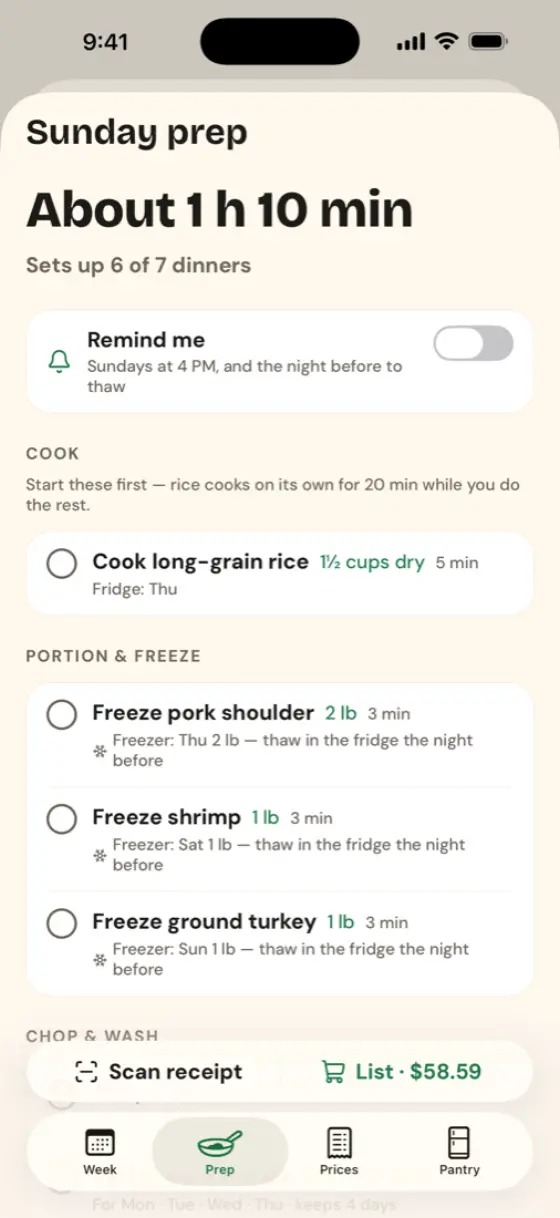
Sunday prep
One session sets up the week.
The Prep tab turns your plan into a short checklist: cook the rice, portion the meat, chop what will keep.
| Raw chicken, ground meat | 2 days |
| Raw fish, shrimp | 1 day |
| Steaks, chops, roasts | 3 days |
| Cooked rice and grains | 4 days |
| Chopped vegetables, washed herbs | 4 days |
Conservative FoodSafety.gov fridge times. Anything that wouldn't keep goes in the freezer, with a reminder at 8 PM the night before to thaw it. Optional Sunday 4 PM prep reminder.
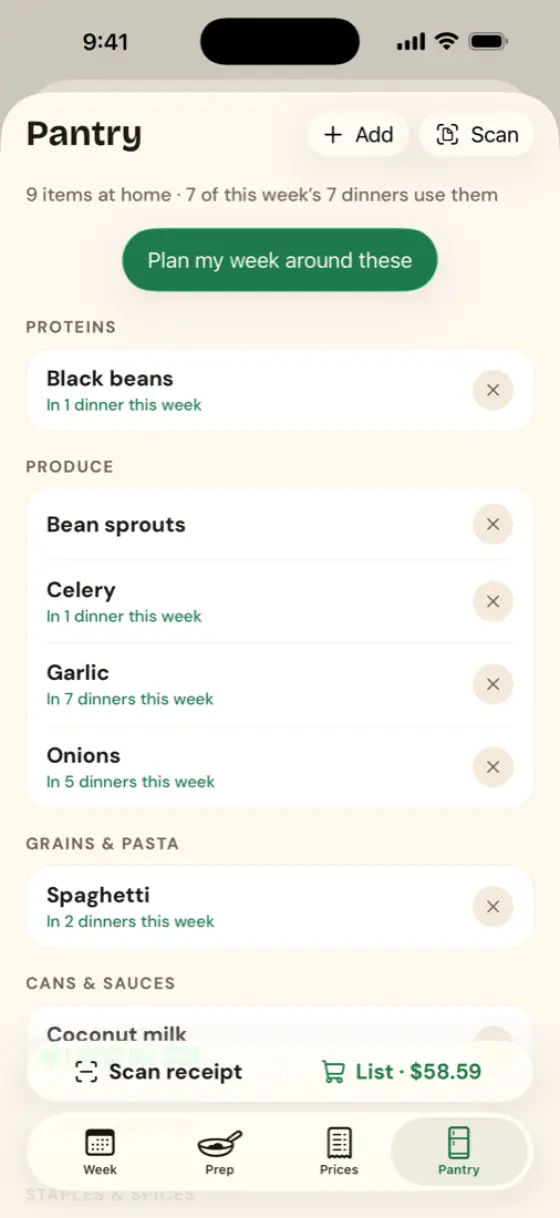
Pantry scan
Cook what you already have.
Point the camera at a shelf. Package labels are read on your iPhone and matched to ingredients for you to confirm.
- Add fresh produce, which has no label, with quick picks or search.
- "Plan my week around these" favors dinners that use them up.
- Items you have move to "You have these" on the shopping list, out of the to-buy total.
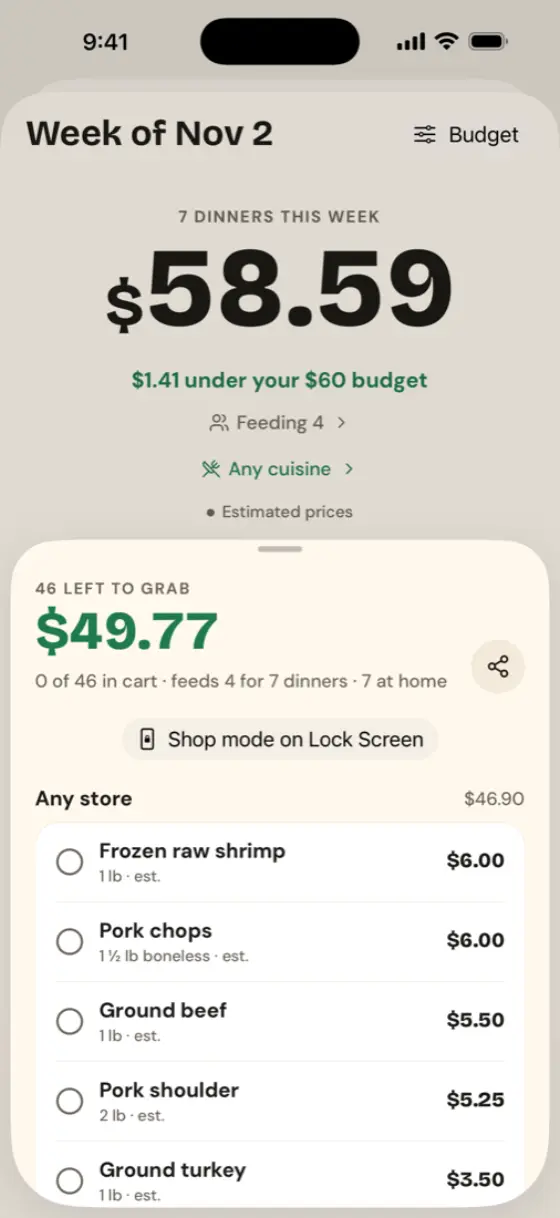
Shopping list
Grouped by the store you shop at.
Every ingredient for the week, merged and scaled to your household, priced and grouped by where you last bought it.
- Tick items as you shop; share the list as text.
- Shop mode puts your progress and what's left on the Lock Screen and Dynamic Island.
- Salt, oil and spices are listed separately under "Check your pantry".
Widgets & Live Activities
Tonight's dinner, at a glance.
- Tonight's dinner widget (small, medium): what's for dinner and its cost per serving, plus the next two days.
- Week budget widget, on the Home Screen or Lock Screen: what's left this week.
- Cooking timer: tap Start cooking and the countdown and current step live on the Lock Screen and Dynamic Island.
Private by design
Your data stays on your iPhone.
- No account, no sign-in, no email needed
- No ads, no analytics, no tracking
- Plan, receipts, prices and pantry are stored only on your device
- Receipt and pantry photos are read on the device, never uploaded
Questions
Quick answers.
Is there an Android version?
Not yet. Mealcents is iPhone-only for now.
Do I need an account?
No. There's no sign-in, and your data stays on your iPhone.
Where do prices come from before I scan?
Typical US supermarket prices, marked "est." in the app. Each receipt you scan replaces them with what you actually paid.
Can I rely on the allergy filters?
They're strict: every ingredient is checked and "may contain" counts as contains. Brands still vary, so with a severe allergy always check the labels on what you buy.
Something else?
See Support or email support@getmealcents.com.